Not ready to spend thousands on a new Smart TV? The good news is that you don’t have to.
If your TV has an HDMI port, you can easily transform it into a Smart TV and enjoy streaming apps, live TV, YouTube, movies, sports, and more without replacing your existing television.
In this guide, we’ll explain how to turn any TV into a Smart TV in just a few simple steps.
A Smart TV is a television that can connect to the internet and run applications such as YouTube, Netflix, Prime Video, and live TV streaming services.
Unlike traditional televisions, Smart TVs allow users to access online content, install apps, browse the web, and stream entertainment on demand.
In most cases, yes.
If your television has an HDMI port, you can connect a streaming device or Android TV box to add smart features instantly.
Even older LCD and LED televisions can become Smart TVs without any technical expertise.
To convert your TV into a Smart TV, you’ll need:
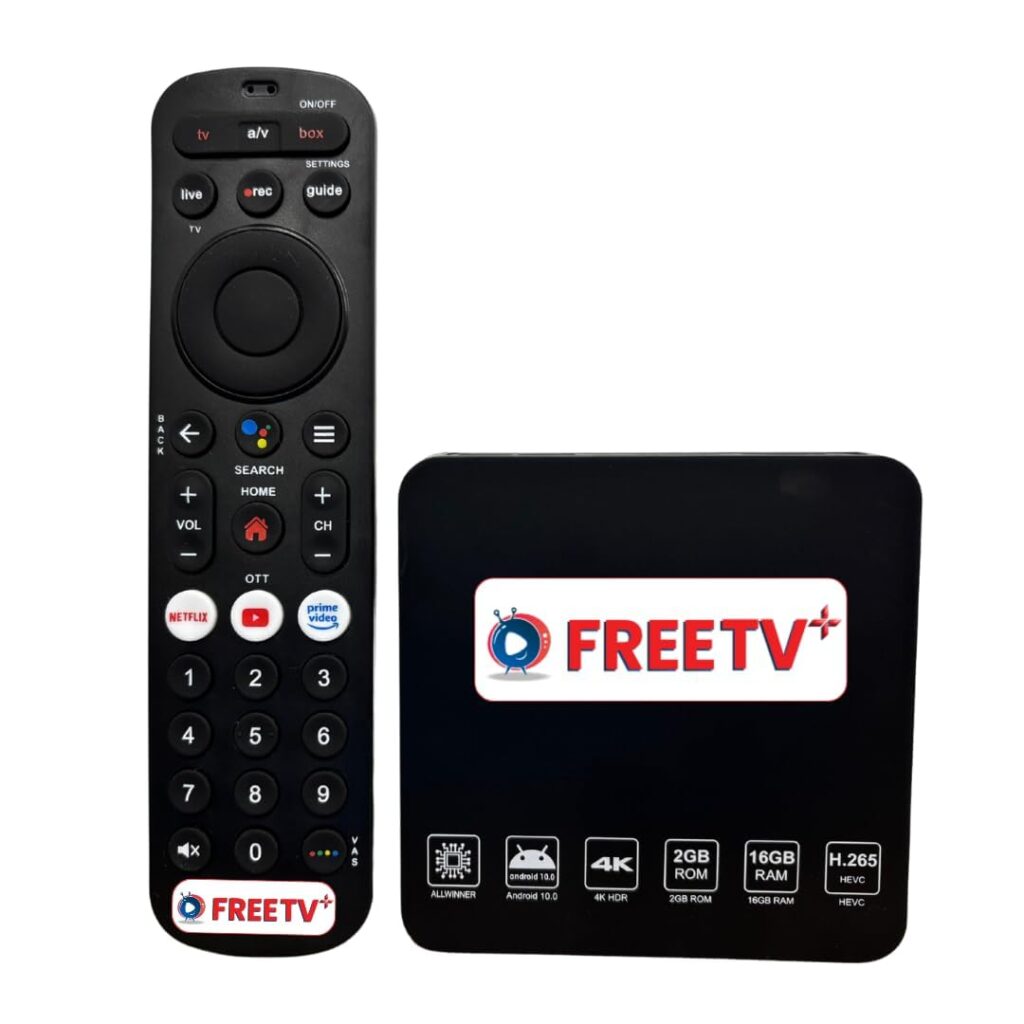
Plug an Android TV box or streaming device into your TV’s HDMI port.
These devices provide access to apps, live TV, movies, and streaming services.
Once the device starts, connect it to your home’s Wi-Fi network.
A reliable internet connection ensures smooth streaming and app performance.
After setup, you can install popular entertainment apps and streaming platforms directly from the app store.
Many users choose apps for:
Your television is now effectively a Smart TV.
You can stream content, watch live channels, browse apps, and enjoy a modern entertainment experience without buying a new television.
Purchasing a streaming device is significantly cheaper than buying a brand-new Smart TV.
Enjoy thousands of channels, movies, sports events, and on-demand content.
Most devices can be installed in less than 10 minutes.
If your television screen is still in good condition, there’s no reason to replace it.
Once upgraded, your TV can be used for:
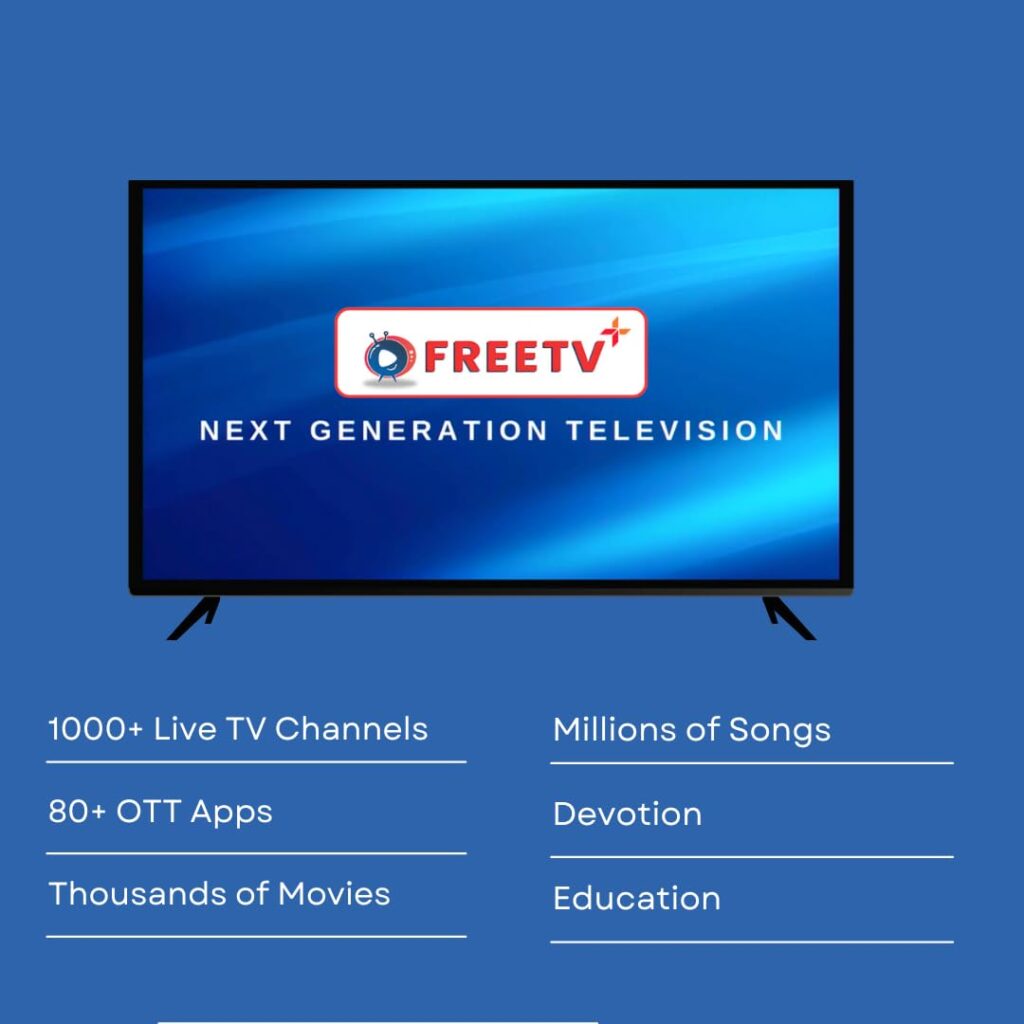
After converting your TV into a Smart TV, you can make the most of your entertainment setup with FreeTV Plus.
FreeTV Plus helps users discover and access a wide range of live TV channels and entertainment content through a simple and user-friendly experience. Whether you’re interested in news, sports, movies, or regional programming, FreeTV Plus makes it easier to enjoy content from a single platform.
Turning your existing television into a Smart TV is one of the easiest and most affordable technology upgrades you can make. With a simple streaming device and an internet connection, you can unlock a world of entertainment without replacing your current TV.
If your TV has an HDMI port, you’re just a few minutes away from enjoying all the benefits of a Smart TV.